
Image Image Dark
Image Image Dark

Bitrix24 Sales Map

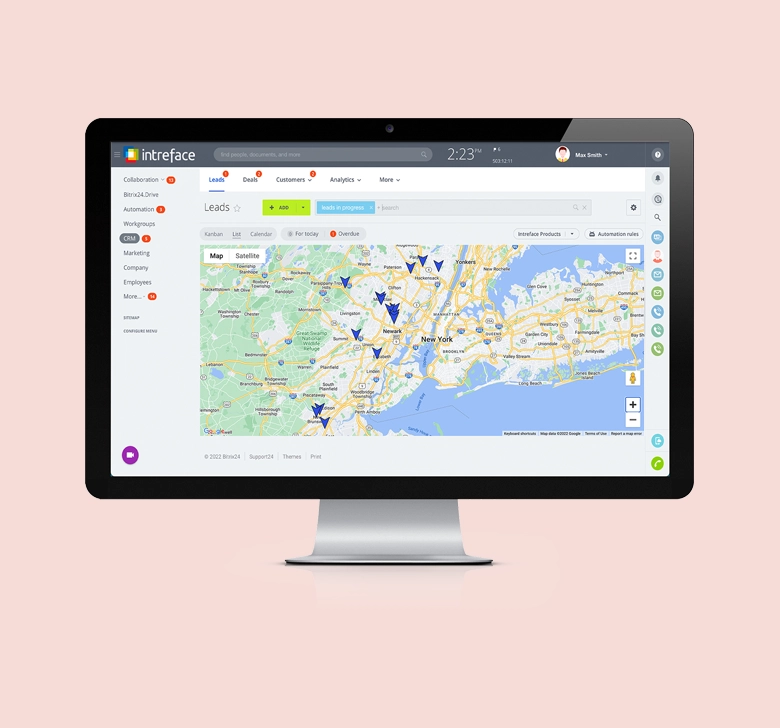
View Leads and Deals on a map with pin location indicators, pop up tabs and slide in records.

Features & Benefits

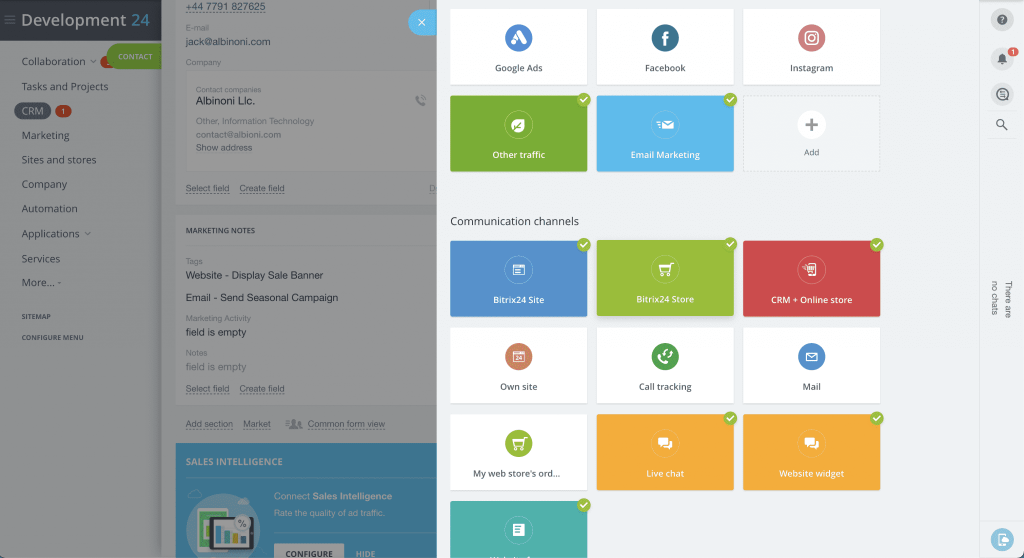
In addition to the list, kanban and calendar views it is possible to view leads and deals on a location map with this plugin. Each record is indicated by a coloured pin, a pop up displays further details and clicking the pop up opens the full record in a slider window.The settings allow you to configure postcode or coordinates location sources, control the content of the pop-up and choose your pin colours. Ideal for field sales teams and outbound service engineers.
Bitrix24 Sales Map
Sales Teams Bitrix24

Sales Teams

The Sales Map provides a visual representation of live opportunities for the sale team allowing them to allocate leads to the best representative and plan routes when out on the field.
Service Engineers Bitrix24

Service Engineers

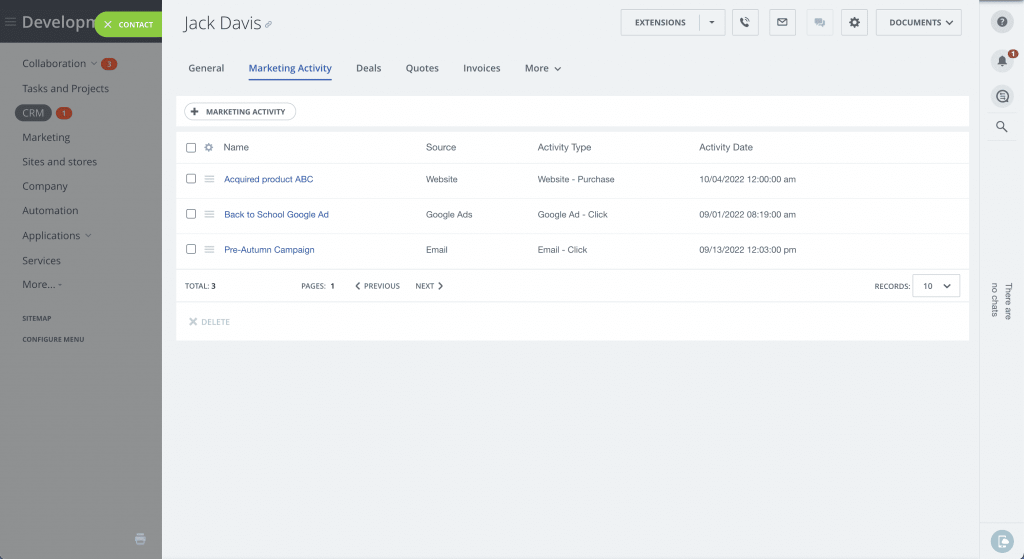
The Sales Map allows Service Engineers out in the field to plan routes and quickly open records to review job details when arriving at the site of a service call.
Customer Service Bitrix24

Customer Service

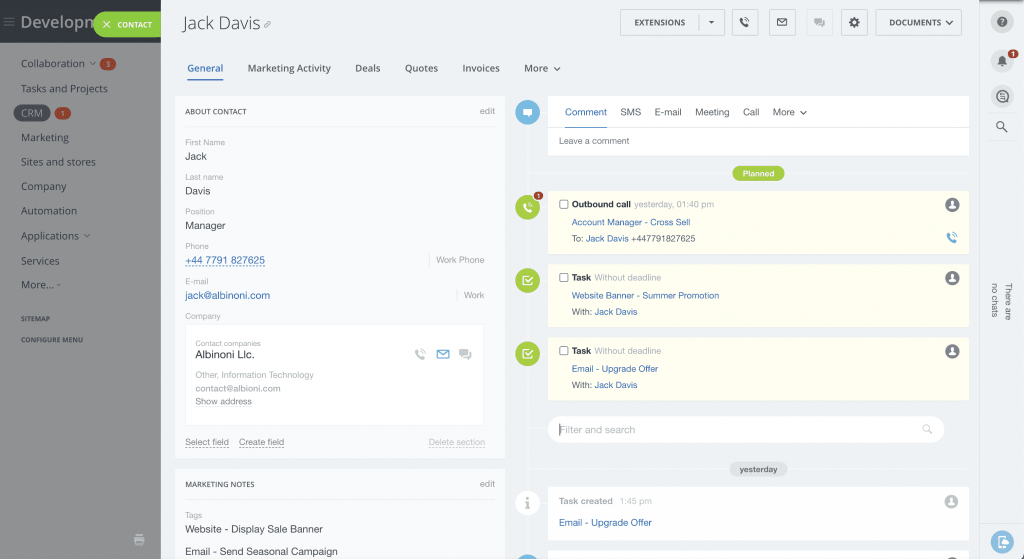
Customer Service teams can use the Sales Map to track incoming requests, allocate them to the correct team and spot concentration hotspots to help with future resource planning.

Take a look at what other Bitrix24 applications we offer

Bitrix24: Quote Tracker

Create and send sales quotes linked to your Bitrix24 deals with AI chat support and tracking of when they're opened, viewed, and accepted.

Bitrix24: Lead Generator

Generate leads and opportunities in your target sectors using live web signals and connected data sources.

Bitrix24: Sales Map

Perfect for all teams on-site and off-site and viewable in Leads and Deals on a map with pin location indicators, pop up tabs and slide in records.

Bitrix24: Helpdesk

Manage customer support tickets in one place, with conversations, priorities, and SLAs synced to customer records in Bitrix24.

Bitrix24: Chatbots

Engage visitors on your site 24/7, answer common questions, and convert chats into qualified leads in your Bitrix24 CRM

Bitrix24: Resource Planner

Schedule people, rooms, and equipment against projects and deals, with a visual calendar showing availability and conflicts at a glance.

Bitrix24: Document Parser

Extract data from invoices, contracts, and forms automatically and file it into the right Bitrix24 records — no manual data entry.

Bitrix24: SMTP Mail Server

Configure your self hosted instance of Bitrix24 to send notification and marketing emails from a dedicated domain.

Bitrix24: Hosting Environment

Bespoke hosting environment for Bitrix24 On-Premise editions which provides optimum performance.

Bitrix24: Barcode Scanner

Scan barcodes from your phone to look up products, update stock levels, and log items directly against Bitrix24 inventory and orders.

Bitrix24: Case Management

Tasks and document management, time recording, billing and chat and email communication for professional services businesses.

Bitrix24: Customer Portal

Give your customers a secure self-service space to view orders, invoices, documents, and support tickets — all powered by your Bitrix24 data.

Bitrix24: Learning Management System

Build and deliver training courses for staff or customers, with progress tracking and completion records tied to Bitrix24 profiles.

Bitrix24: Tasks Tab

Manage your tasks associated to your CRM entity in its own tab. Use all features of tasks within the CRM: create, view and see all fields within the task tab itself.

Bitrix24: Inventory Management

Track stock levels, locations, and movements in real time, with low-stock alerts and automatic sync to Bitrix24 products and orders.

Bitrix24: Proposal Manager

Build polished, branded proposals from templates using CRM data, then track when they're opened, viewed, and accepted.

Bitrix24: Your Own Custom App

Build your own custom app. Contact us to discuss.

Frequently asked questions:

  • How do we install your applications?

    Our applications are installed either by installing them through the marketplace or via the control panel within the Bitrix24 On-Premise edition.

  • Can we change the applications?

    Each application comes with its own settings. If your change request fits outside the standard settings, then we would have to quote for this work.

  • Can you create a custom application for us?

    Absolutely. Our in-house developers create applications for Bitrix24 all the time. We will gather your requirements and scope them out for you and provide you with a quotation.

  • What if I no longer need the application?

    You can simply uninstall the application from your system if you no longer need it. Our applications are priced on an annual subscription basis, so you would not be charged for your next subscription cycle.

Looking to implement Bitrix24 in your business?

Intreface help businesses get the maximum value from their Bitrix24 system. As a global gold partner, we have helped thousands of businesses implement Bitrix24 successfully.


Image Image Dark

We transform organisations by providing them with greater speed and control of their processes. To achieve this we develop systems that are perfectly connected, simple to use and measurable.

Intreface © 2026, All rights reserved.

My cart
Your cart is empty.

Looks like you haven't made a choice yet.